How I automated myself out of my first job!
When I started my first tech-related job, I was incredibly excited. I had no idea what my day-to-day responsibilities would look like. While I knew the basics of Linux, I was unfamiliar with how businesses actually used Linux in their operations.
It didn’t take long for me to realize there were many processes that could be improved. Most technology-driven businesses, no matter how advanced, tend to lag in certain areas. Over time, stability often takes precedence over change, and issues that should have been addressed are overlooked until they cause significant problems. This leads to the gradual accumulation of technical debt. I realized I had months of hard work ahead of me, and I couldn’t wait to get started.
Outdated Operating System
When I arrived, the operating system in use was severely outdated.
- Current OS: CentOS 6 (a downstream version of Red Hat).
- Latest Stable OS: Red Hat 7 (released 4 years earlier).
- Problem:
- CentOS 6 lacked support for newer hardware.
- Distributors wanted to use newer hardware to run the software faster.
- Installation was manual and error prone.
The customer base were becoming increasingly vocal about their demand for support on newer hardware.
The Manual Installation Process
The installation process at the time was entirely manual and tedious.
Steps involved:
- Connect a PC to power, monitor and peripherals.
- Power on machine.
- Insert a USB drive with Linux OS
- Configure settings like:
- Time and date.
- Keyboard language.
- Disk partitioning.
- Manually select and install packages.
- Wait for install to finish and reboot manually.
- Insert second usb-drive with software.
- Mount second usb-drive.
- Run installation script.
- Manually reboot and wait for it to finish.
- After the last step, the machine was ready for licensing and manual testing.
Issues:
- Repetition: The process had to be done multiple times a day.
- Human Error: Prone to mistakes due to monotony.
- Time-Consuming: Each setup took significant time.
Although I was a novice, I had heard of automated installations and decided to explore the possibility of implementing one.
Building the Solution
My solution was a start-to-finish automated installation system that:
- Installed the operating system.
- Deployed the latest version of the software.
- Loaded additional necessary data automatically.
Process Overview
How it worked:
- Kickstart Installation:
- Connect a PC to power, network, monitor and peripherals
- Power on machine.
- Machine PXE boots over the network and starts OS installation.
- After OS installation, a custom command fetched a script and rebooted.
- The script ran at the next startup, configuring the system, installing software, and loading data.
- The machine then cleaned up installation files and rebooted.
- Final Steps:
- After the last reboot, the machine was ready for licensing and manual testing.
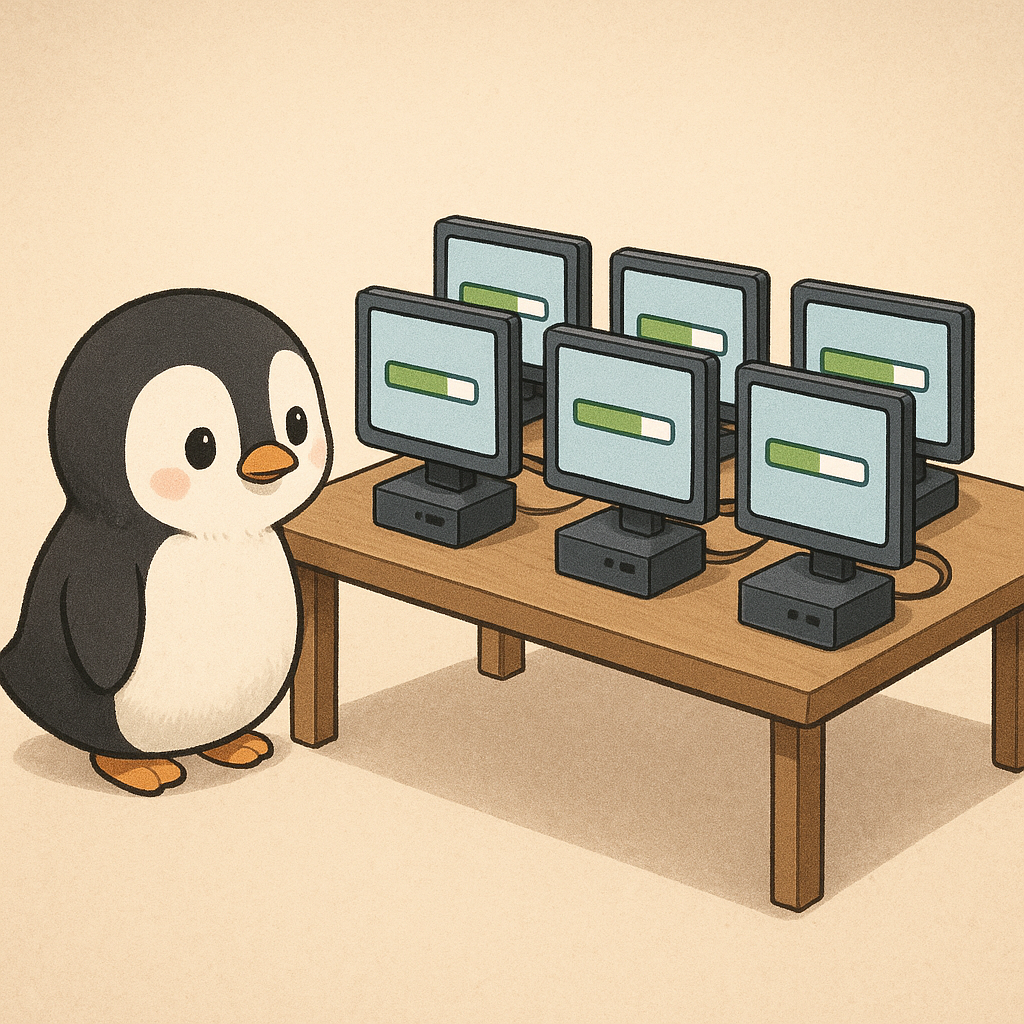
Within 10–15 minutes, the system would be fully prepared for deployment. With a very low-powered server 5 machines could install at the same time with no manual input.
Offline Installation for Distributors
For distributors who lacked reliable network access, I created ISO images for offline installations. The installation was still mostly automated, but there were a few adjustments.
Key Adjustments:
- Instead of network install, distributors used a USB drive du to frequent lack of network.
- Machine is booted with usb-drive and begins auto-installation.
- It pauses and makes the user do the hard drive partitioning manually. This was done since automatically partitioning harddrives is a destructive thing and I did not want to be responsible for the person who inevitably does not read the warning before starting the installation or the warning in the manual.
- After manual partitioning the installation finishes. I included a little helper utility to easier install the additional data that would need to come from a different usb-drive.
I worked intently with supportive and interested external parties in this process.
Results and Reflection
Outcomes:
- Reduced tech support calls by eliminating common issues.
- Saved hours of labor daily.
- Doubled the number of units we could ship each day.
- Minimized human error.
Over time, I automated or streamlined other internal processes where I could. Eventually, I moved on to my next job, as my role no longer presented new challenges.
This experience, however, remains a highlight of my career. It taught me the value of automation, efficiency, and problem-solving in real-world applications.